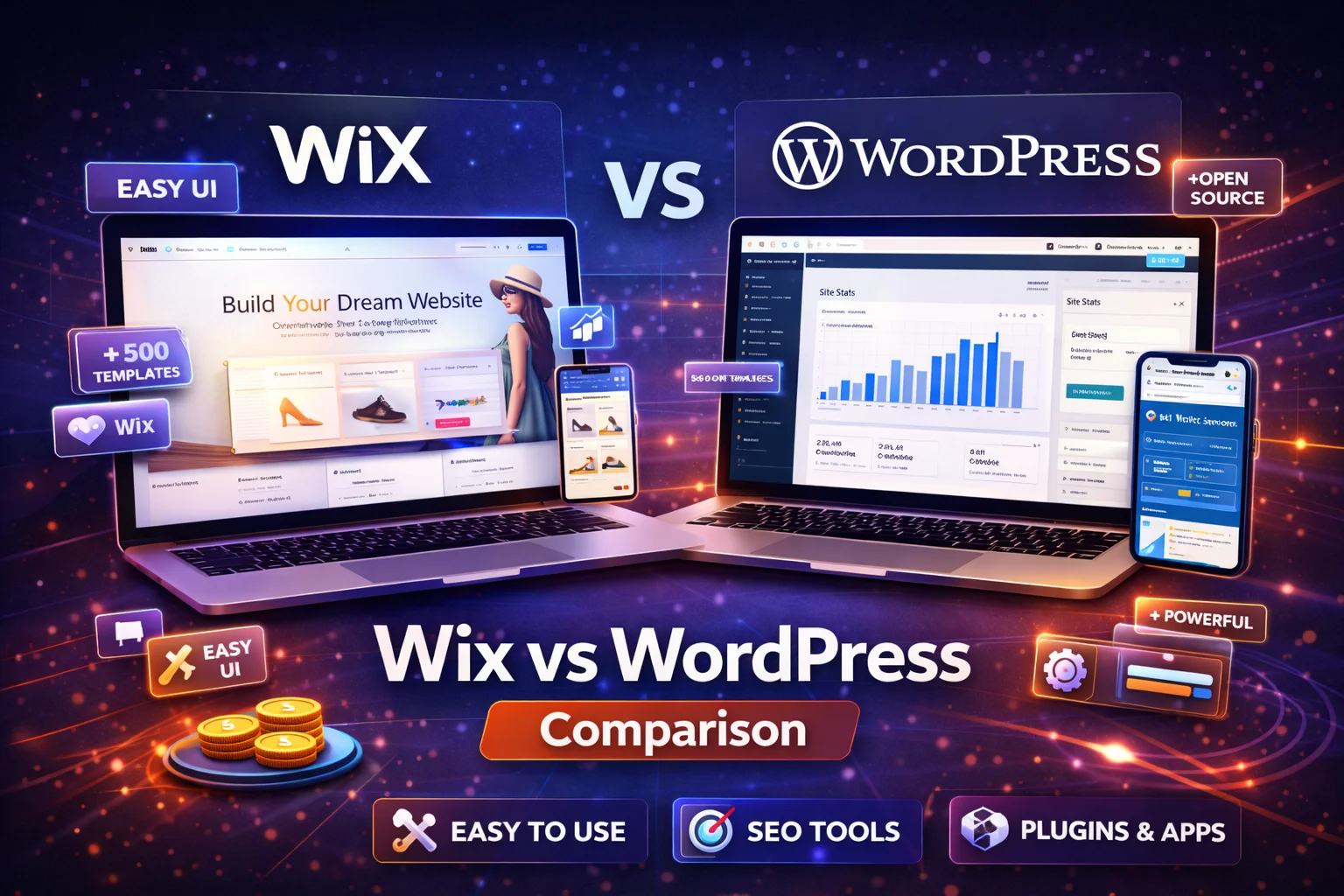
Choosing the right platform is one of the most important decisions when building a website. Two of the most popular options today are Wix and WordPress. Both allow users to create websites without extensive coding knowledge, but they are designed for different types of users and goals.
Wix focuses on simplicity and an all-in-one website builder experience, while WordPress offers unmatched customization and flexibility through its open-source ecosystem. Understanding the differences between these platforms can help you decide which one is better for your website in 2026.
In this detailed guide, we’ll compare Wix and WordPress based on ease of use, design flexibility, SEO capabilities, pricing, scalability, and overall performance to determine whether Wix is truly better than WordPress for building a website.
What Is Wix?
Wix is a cloud-based website builder that allows users to create websites using a drag-and-drop editor. The platform includes hosting, security, templates, and marketing tools in a single package.
One of Wix’s biggest advantages is its simplicity. Users can create a professional website quickly without worrying about hosting or technical setup because everything is built into the platform.
Key Wix features include:
- Drag-and-drop website editor
- AI website creation tools
- Built-in hosting and security
- App marketplace for integrations
- Ecommerce functionality
Because of its intuitive interface, Wix is widely considered one of the easiest website builders for beginners.
What Is WordPress?
WordPress is an open-source content management system (CMS) that powers more than 40% of websites worldwide.
Unlike Wix, WordPress does not include hosting or design tools by default. Instead, users install WordPress on a web hosting server and customize their site using themes and plugins.
The platform offers thousands of plugins and themes that allow users to create nearly any type of website.
Key WordPress features include:
- Open-source platform
- Thousands of themes
- 50,000+ plugins
- Full control over website code
- Extensive customization options
Because of this flexibility, WordPress is often used by bloggers, businesses, ecommerce stores, and developers who need advanced functionality.
Wix vs WordPress: Quick Comparison
| Feature | Wix | WordPress |
|---|---|---|
| Ease of use | Very beginner-friendly | Moderate learning curve |
| Hosting | Included | Requires separate hosting |
| Customization | Limited compared to WordPress | Unlimited customization |
| Plugins/apps | Hundreds of apps | 50,000+ plugins |
| SEO control | Good built-in tools | Advanced control |
| Best for | Beginners | Scalable websites |
Both platforms can build excellent websites, but they serve different user needs.
Ease of Use: Which Platform Is Easier?
Ease of use is one of the biggest differences between Wix and WordPress.
Wix
Wix is designed specifically for beginners. Its drag-and-drop editor allows users to visually design pages by placing elements anywhere on the screen.
The platform also includes AI tools that can generate a website automatically after answering a few questions.
Because hosting and maintenance are included, Wix eliminates the need for technical setup.
WordPress
WordPress has a steeper learning curve because users must:
- purchase hosting
- install WordPress
- choose themes and plugins
- manage updates and security
However, page builders such as Elementor make WordPress easier to use by adding drag-and-drop design capabilities.
Ease of Use Verdict
For beginners, Wix is easier to use because everything is integrated and requires minimal technical knowledge.
Design and Customization
Customization is where WordPress has a significant advantage.
Wix Design Options
Wix provides over 800 templates for different industries. These templates are customizable, but once you choose a template, switching to another one later is difficult.
The platform also includes an app marketplace with hundreds of integrations.
WordPress Design Options
WordPress offers thousands of themes and plugins that allow users to customize every aspect of their website.
Developers can also modify code directly using HTML, CSS, and JavaScript.
Because of this flexibility, WordPress provides far more design control than Wix.
Design Verdict
WordPress wins for customization because it allows virtually unlimited design possibilities.
SEO Capabilities
Search engine optimization (SEO) is crucial for website visibility.
Wix SEO Tools
Wix has significantly improved its SEO capabilities in recent years. It now includes features such as:
- meta tag editing
- SEO setup guides
- automatic sitemaps
- mobile-optimized templates
These tools make SEO easier for beginners.
WordPress SEO Tools
WordPress offers deeper SEO control because users can install powerful plugins such as:
- Yoast SEO
- Rank Math
- All in One SEO
WordPress also allows full control over URL structure, schema markup, and technical SEO settings.
SEO Verdict
While Wix offers solid SEO tools, WordPress provides more advanced SEO flexibility.
Pricing Comparison
Pricing is another important factor when choosing a website platform.
Wix Pricing
Wix uses a subscription model that includes hosting and support.
Plans typically range from:
- Free plan with Wix branding
- $16–$159 per month depending on features
WordPress Pricing
WordPress software itself is free, but users must pay for:
- hosting
- domain name
- premium themes or plugins
Hosting can cost just a few dollars per month, making WordPress potentially cheaper than Wix.
Pricing Verdict
WordPress can be more affordable in the long run, especially for larger websites.
Scalability and Growth
If you plan to expand your website in the future, scalability becomes important.
Wix Scalability
Wix works well for small websites, portfolios, and small businesses. However, larger websites may encounter limitations in customization and performance.
WordPress Scalability
WordPress is highly scalable because it allows users to add custom functionality through plugins and code.
This makes it ideal for:
- large blogs
- membership websites
- ecommerce platforms
- enterprise websites
WordPress is often recommended for businesses planning long-term growth.
Scalability Verdict
WordPress is the better platform for large and complex websites.
Pros and Cons
Wix Pros
- Extremely beginner-friendly
- Drag-and-drop website builder
- All-in-one platform with hosting included
- Fast setup process
Wix Cons
- Limited customization compared to WordPress
- Harder to migrate away from the platform
- Monthly subscription costs
WordPress Pros
- Unlimited customization
- Large plugin ecosystem
- Advanced SEO capabilities
- Better scalability for growing websites
WordPress Cons
- Requires hosting setup
- Steeper learning curve
- Maintenance and updates required
Which Platform Should You Choose?
Choosing between Wix and WordPress depends on your goals.
Choose Wix if:
- You want to build a website quickly
- You prefer an easy drag-and-drop editor
- You do not want to manage hosting or technical setup
Choose WordPress if:
- You want full control over your website
- You plan to scale your website in the future
- You need advanced features and customization
Final Verdict: Is Wix Better Than WordPress?
The answer depends on your experience and website goals.
Wix is better for beginners who want a simple and quick way to build a website without dealing with technical setup. WordPress, on the other hand, provides significantly more customization, scalability, and control.
For small personal websites or portfolios, Wix may be the easiest solution. But for businesses, blogs, and large projects that require long-term growth, WordPress is often the better platform.
Ultimately, the best website builder is the one that aligns with your technical skills, business goals, and future growth plans.
FAQ’s
1. Is Wix better than WordPress for beginners?
Wix is often easier for beginners because it offers a drag-and-drop editor and built-in hosting. WordPress requires more setup but provides greater flexibility and customization.
2. Which platform is better for SEO: Wix or WordPress?
WordPress is generally better for SEO because it offers advanced plugins, greater technical control, and more customization options. Wix has improved its SEO tools but still has fewer advanced features.
3. Is Wix cheaper than WordPress?
Wix offers subscription plans that include hosting and support, while WordPress itself is free but requires hosting and premium plugins. Depending on hosting costs, WordPress can sometimes be cheaper in the long run.
4. Can I migrate from Wix to WordPress?
Yes, it is possible to migrate a website from Wix to WordPress, but the process can require rebuilding parts of the site because the platforms use different systems.
5. Which platform is better for small business websites?
Both Wix and WordPress can work well for small business websites. Wix is easier to manage for beginners, while WordPress is better for businesses that want advanced customization and long-term scalability.